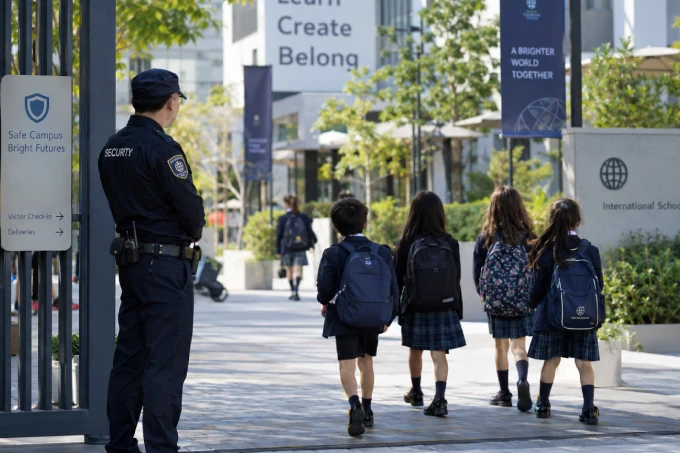
Smart Campus Safety
Support teachers, staff, and security personnel with wearable SOS and location visibility across campus buildings and shared spaces.
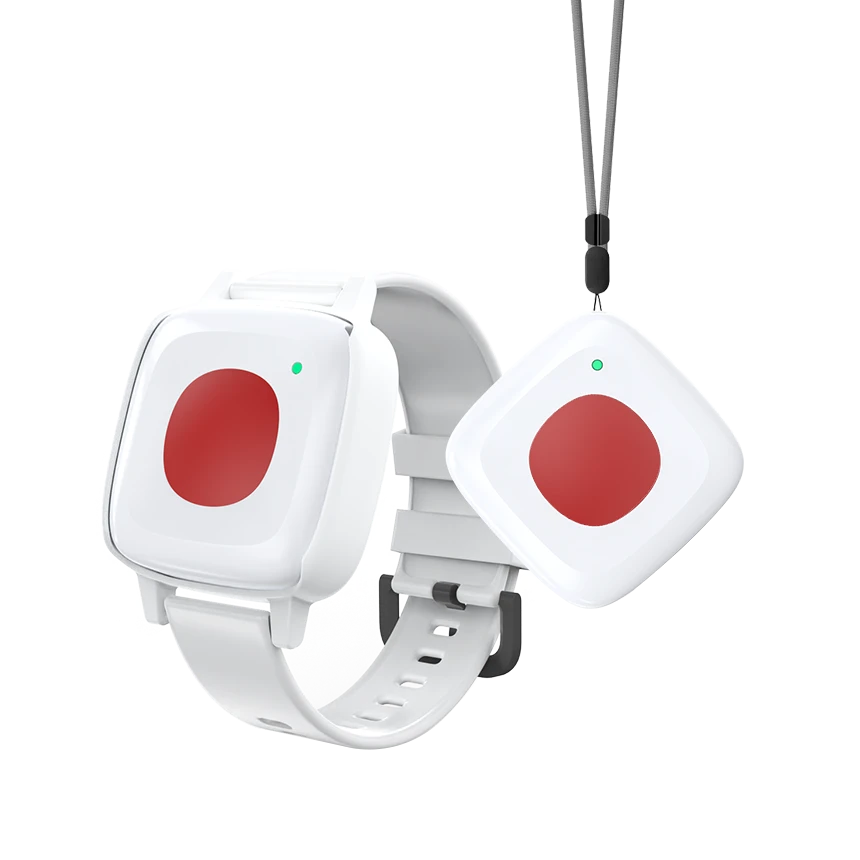
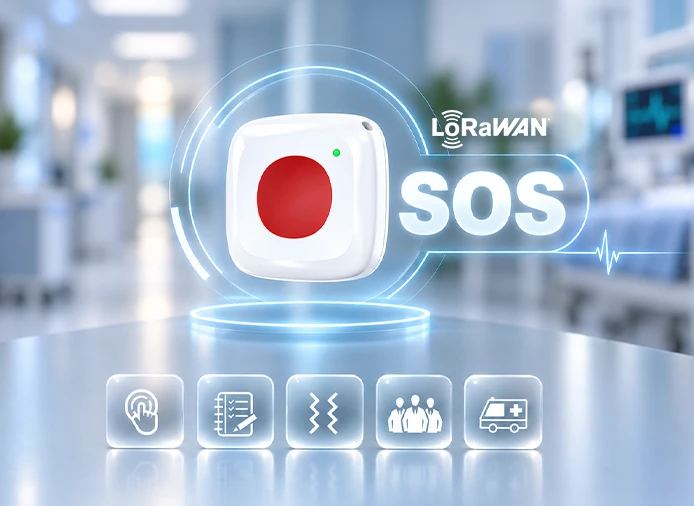
MWB02 transmits SOS alerts and positioning data to a LoRaWAN gateway over 1 km under line-of-sight conditions. This gives organizations greater flexibility when deploying wearable safety devices across larger sites and dispersed work areas.
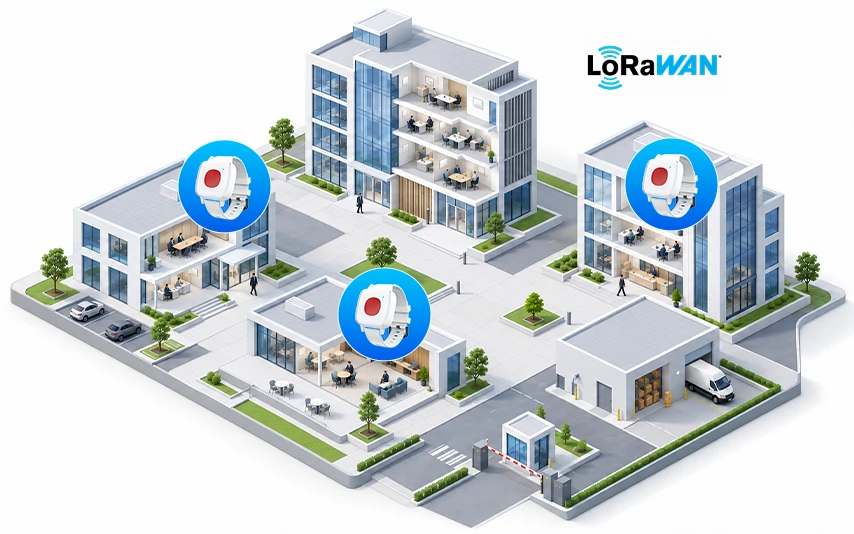
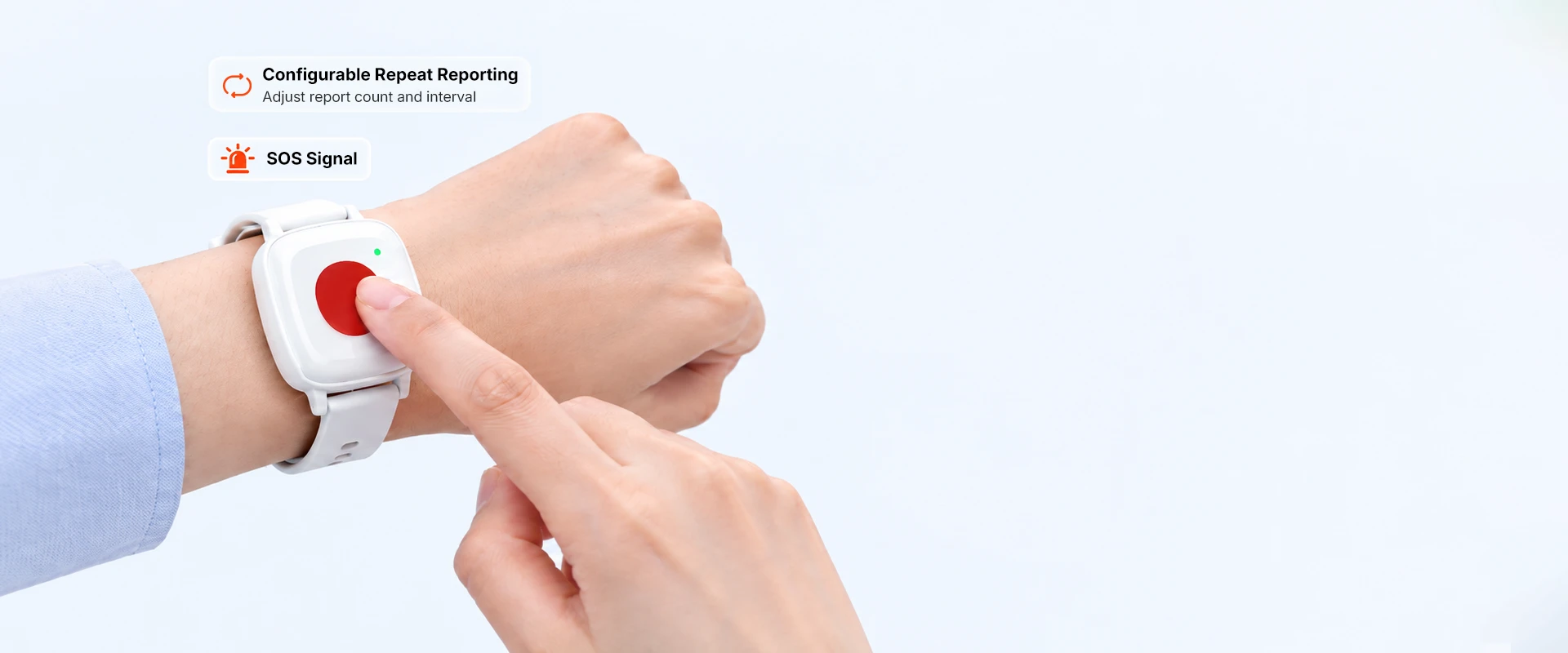
Five selectable SOS trigger modes, with double press enabled by default, let teams adapt activation to different users and help reduce accidental alerts. Once SOS is triggered, MWB02 can automatically repeat reports at configured intervals and counts, reducing the need for users to press the button repeatedly.
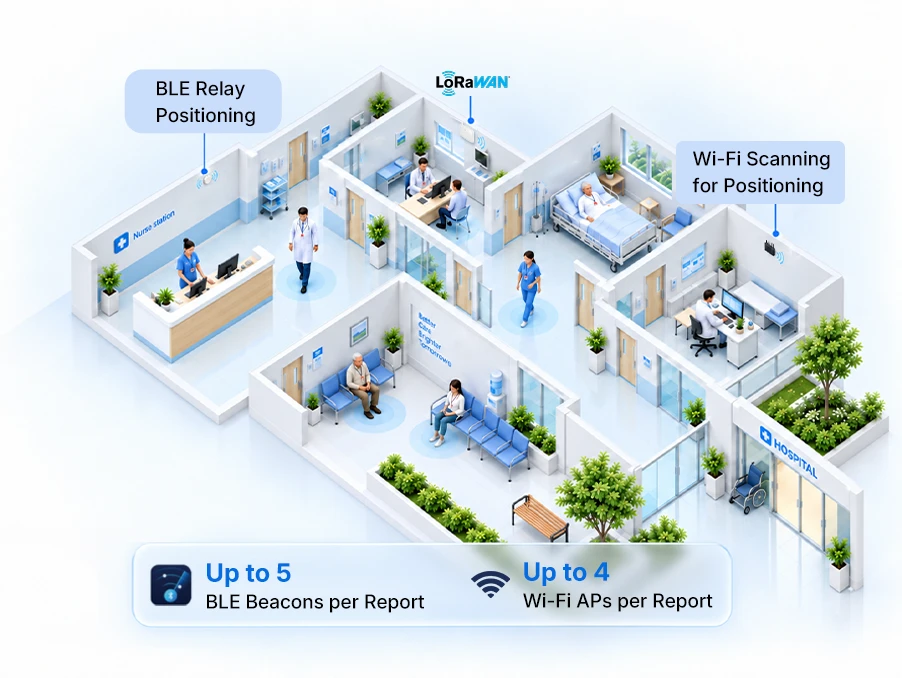
MWB02 scans nearby BLE beacons and Wi-Fi access points, then forwards the collected data via LoRaWAN® for personnel positioning. This provides location information across indoor and public areas, helping teams identify where assistance is needed and direct support to the reported location.
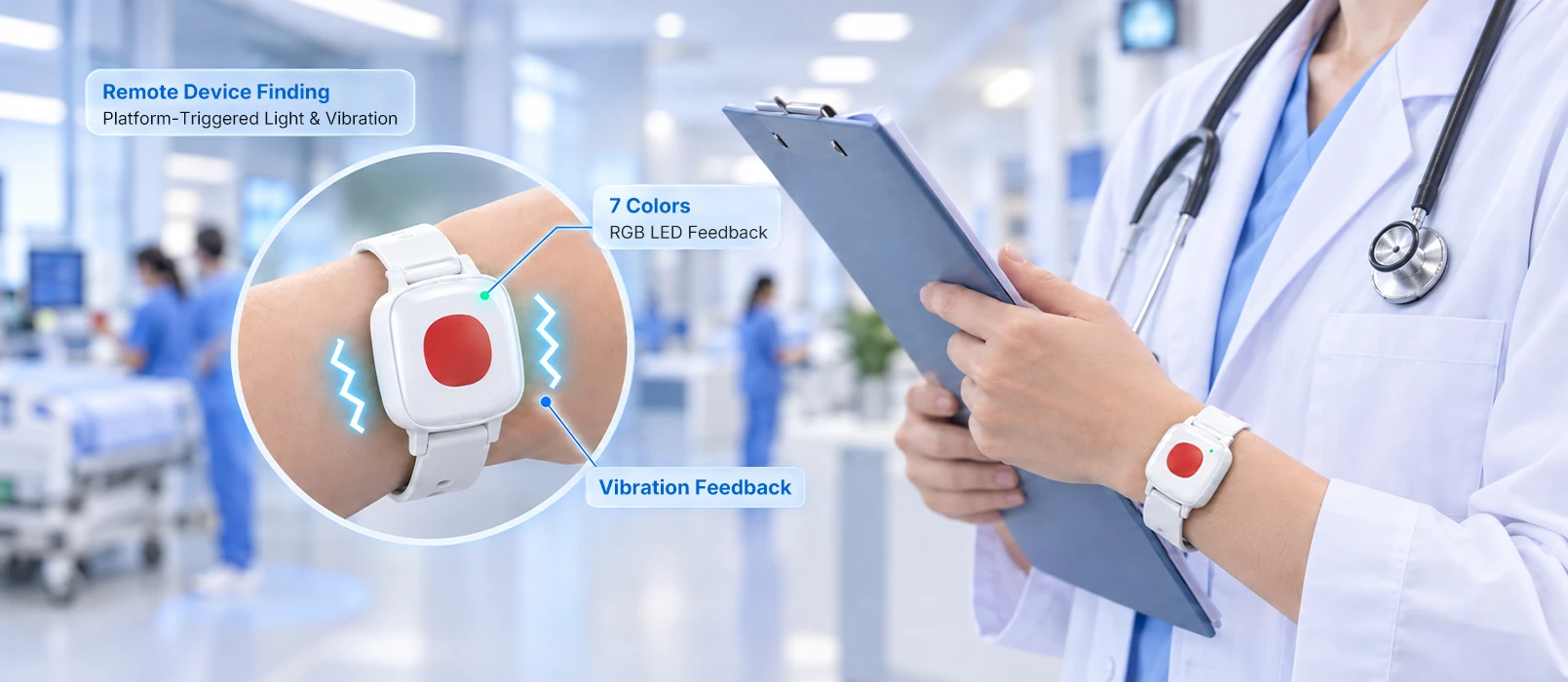
A 7-color RGB LED and vibration confirm that an SOS alert has been triggered. Customizable feedback patterns indicate alerts and low-battery reminders. Teams can also trigger light and vibration from the platform to help on-site staff identify and locate the wearer.
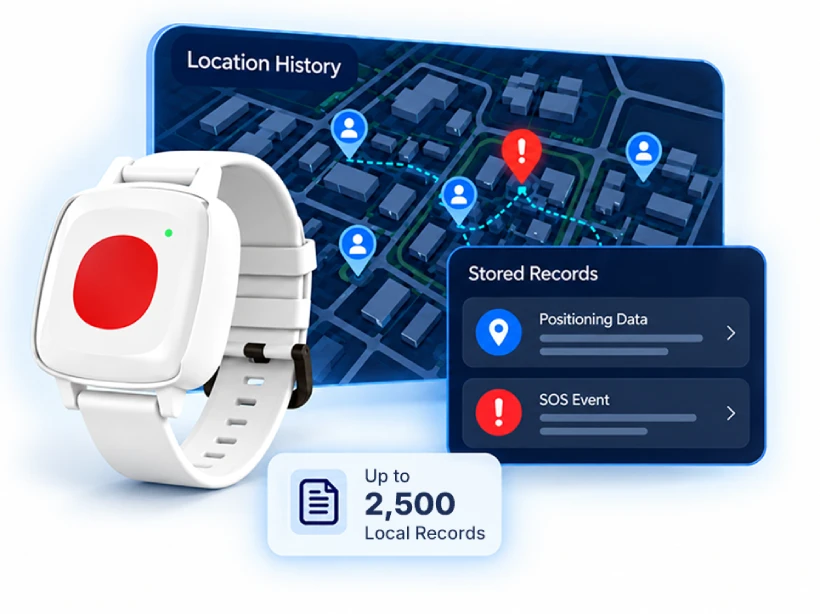
MWB02 reports SOS alerts, device status, and positioning data to the management platform via LoRaWAN, helping teams identify where assistance is needed and coordinate a timely response. With local storage for up to 2,500 records, it retains positioning and event data during network interruptions and supports App-based export for post-incident review and follow-up reporting.
Wristband and lanyard options accommodate different roles and daily routines. With IP67 protection and an operating temperature range of −20°C to +60°C, MWB02 supports use across care facilities, campuses, and industrial workplaces.

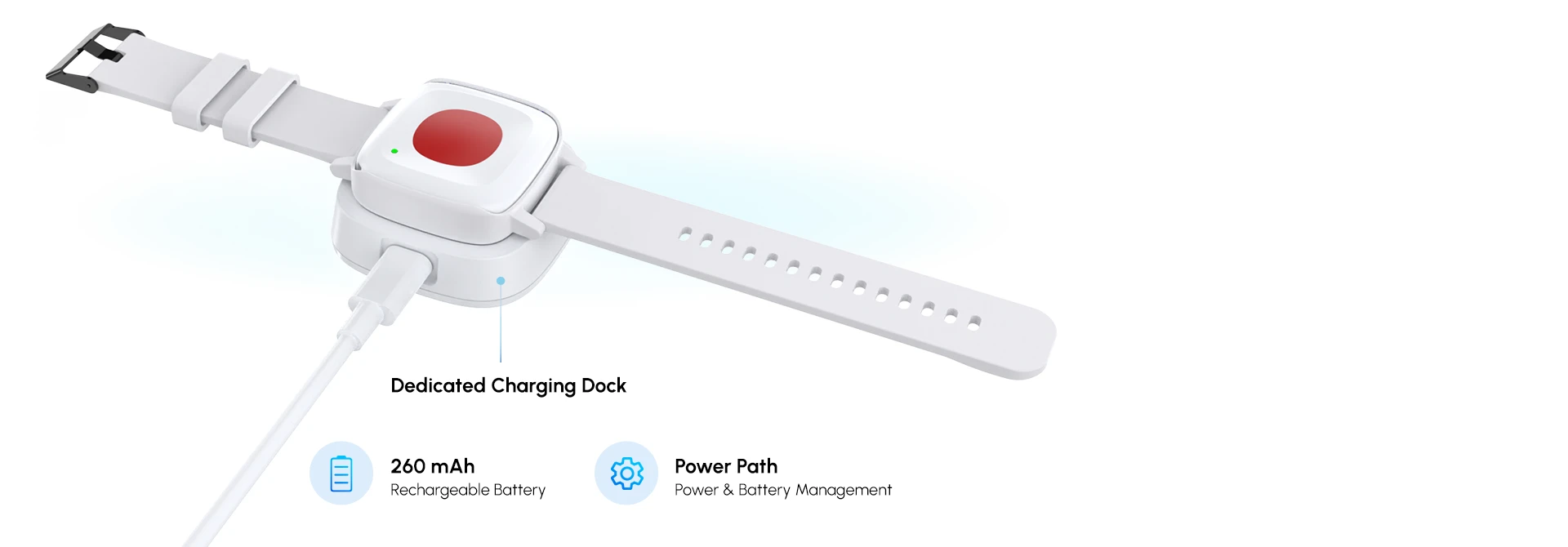
Simply place MWB02 in its dedicated charging dock to recharge, making daily power management easier for users and teams. The Power Path design helps reduce unnecessary battery cycling, supporting battery longevity and more efficient maintenance across larger deployments.
MWB02 scans Bluetooth beacons or Wi-Fi access points and reports positioning data, SOS alerts, and device status through a LoRaWAN gateway to the management platform. Teams can use this information to locate personnel who need assistance and coordinate a response. Platform commands can also activate LED and vibration feedback on a selected device.

Give healthcare staff, elderly residents, and on-site workers a direct way to request assistance. With SOS reporting and
personnel location visibility, MWB02 helps teams identify where support is needed and coordinate a timely response
across care facilities, campuses, and industrial workplaces.

Help staff and residents request assistance, with location information to guide care teams to where support is needed.
Support teachers, staff, and security personnel with wearable SOS and location visibility across campus buildings and shared spaces.
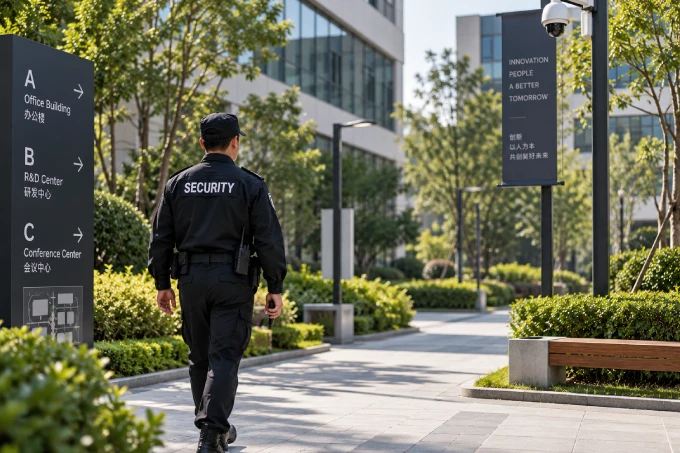
Help patrol teams request assistance and use platform-triggered LED and vibration to identify selected devices on site.

Support workers with wearable SOS, IP67 protection, and App-exported event records for incident response and review.
| 無線プロトコル | LoRaWAN |
| 動作周波数 | CN470 / EU868 / US915 / AU915 / AS923-1 / AS923-2 / KR920 |
| Tx Power | Max. 22 dBm |
| LoRaWAN Communication Range | 1km (open area) |
| Network Activation | OTAA |
| LoRaWAN デバイスカラス | Aクラス |
| SOS Trigger Modes | Single, double, triple, or quadruple press; long press. Default: double press |
| SOS Reporting | Configurable repeat count and reporting interval |
| Feedback | 7-color RGB LED & vibration; enabled by default |
| Remote Device Finding | Platform-controlled LED & vibration |
| Low Battery Alert | Supported |
| IP等級 | IP67 |
| 動作温度 | -20°C ~ +60°C |
| Sensor | 3-axis acceleration sensor, Atmospheric pressure is optional |
| 電源 | 260 mAh rechargeable battery |
| Estimated Battery Life | 45 days with BLE positioning / 20 days with Wi-Fi positioning |
| 充電方法 | Dedicated Type-C charging dock; 5 V USB input |
| Charging Temperature | 0°C to +40°C |
| Wearing Options | Wristband / Lanyard |
| 電源のオン/オフ | On: press and hold the button for 3 seconds. Off: App-controlled only |
| Firmware Update | OTA supported |
| Configuration Method | MinewLink App or remote configuration |
| Local Data Storage | Up to 2,500 records; App-based export |
 今すぐチャット