


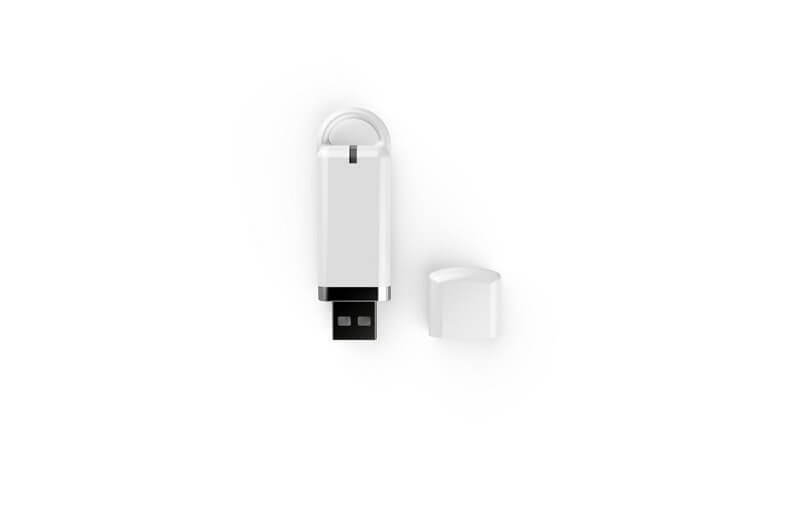
C2 é um Dongle USB Bluetooth baseado em nRF52840 IC matching with the nRF Connect for Desktop to develop and test the nRF52 series based wireless solution.
How to use C2 to collecting the RSSI parameter and Scan the BLE device?
Em primeiro lugar, pls download the latest version of nRF connect for Desktop.
After the installation, pls click ‘add/remove apps’ to install the application- ‘ Bluetooth Low energy’ & ‘RSSI Viewer’. Então, click ‘Launch’, to see the application can work.
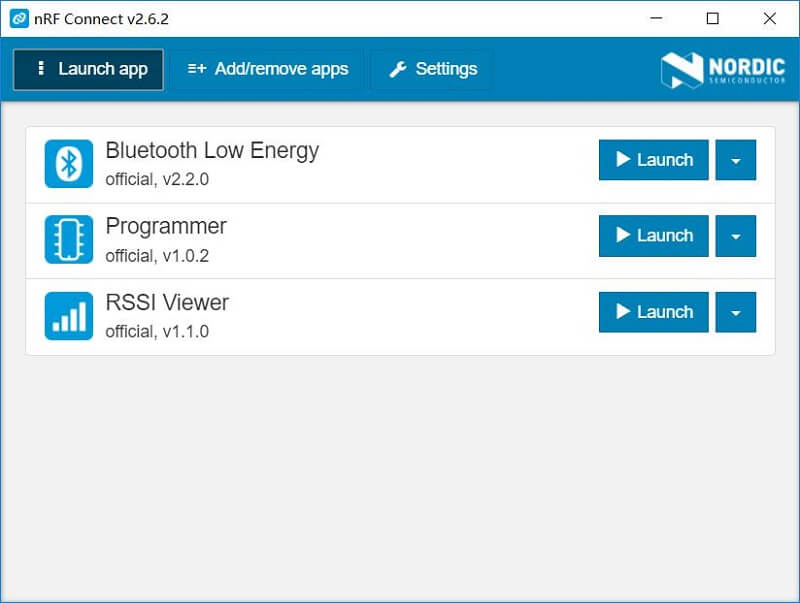
Depois disso, plunge C2 into USB interface of PC, Click ‘Select device ’ to select the dongle device.
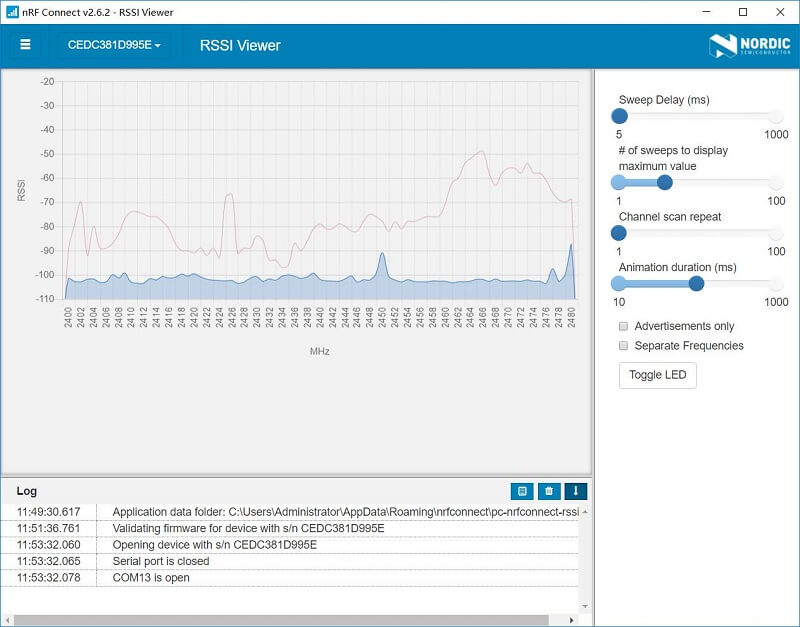
We should say ‘Yes’ to confirm the firmware programming. If we are programming Bluetooth low energy, we can scan the BLE devices and get their parameter. If we are programming RSSI Viewer firmware, we can get the RSSI parameter of BLE devices.
Por exemplo, after the program have loaded, the value of RSSI in different frequency can be tested.
Você gostaria de testar o dongle nRF52840 junto com o módulo Minew nRF52840 para desenvolver e testar soluções sem fio baseadas em nRF? ?
nRF52840 modules and dongle are waiting for you.
 Conversar Agora